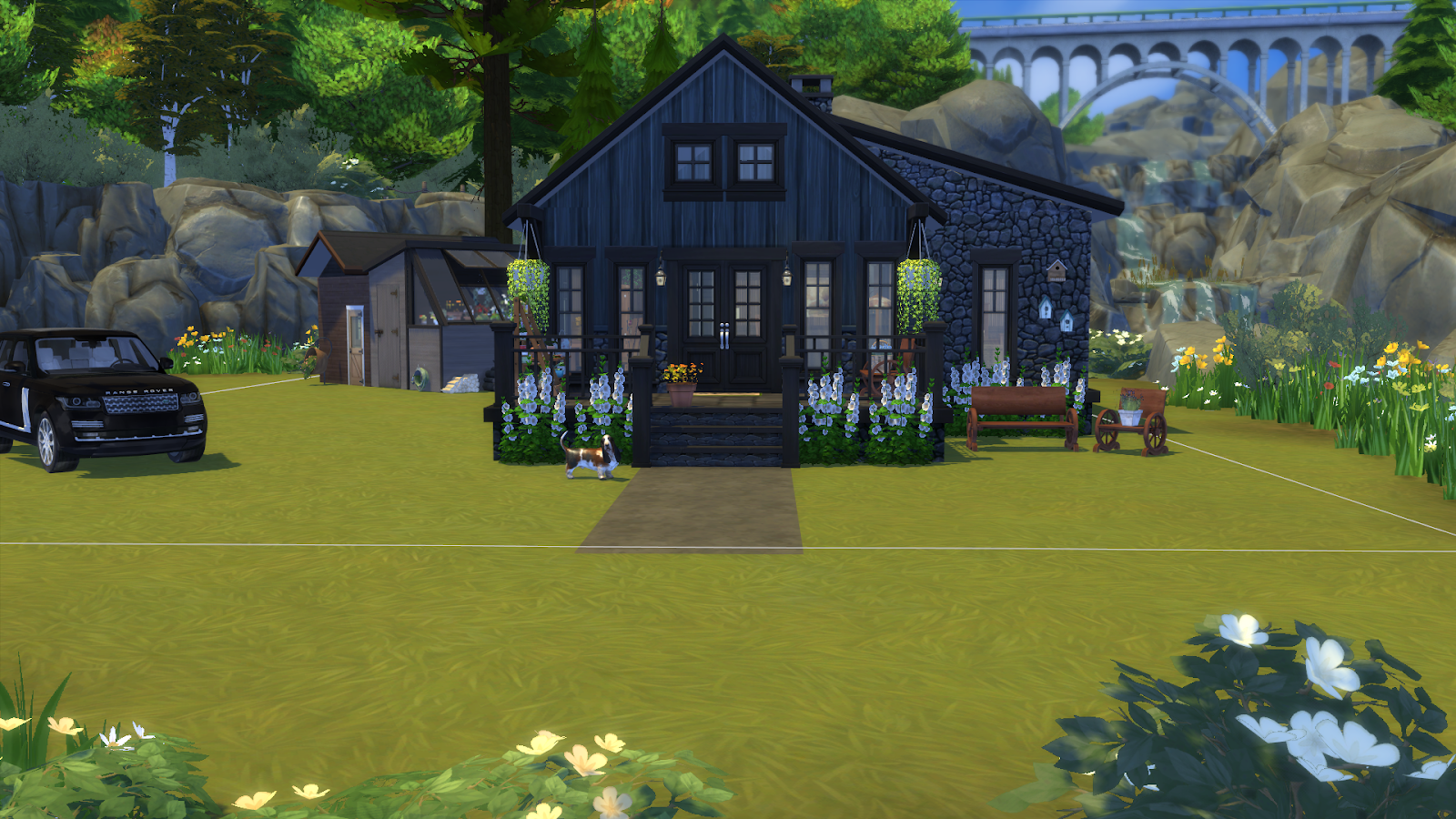
I have finally finished Dachshunds Creek Cabin for a new sim. Will be showcasing them tomorrow night along with the newest in the series of Breakers Point. I hope you enjoy Dachshunds Creek Cabin as much as I making and decorating it. If you want to know about any of the decorations used please leave a comment. The unfurnished version of Dachshunds Creek Cabin is on the gallery under Origin Id; dragonflybluez.
Two gals trying to make it in a Sims 3 and Sims 4 world. Whether it is building houses or posting our future custom content, we like to have fun while playing Sims and coming up with new designs. Origin ID's: Libellule-Noir and BlueFireFly86
Thursday, January 24, 2019
Dachshunds Creek Cabin Part Two
I have finally finished Dachshunds Creek Cabin for a new sim. Will be showcasing them tomorrow night along with the newest in the series of Breakers Point. I hope you enjoy Dachshunds Creek Cabin as much as I making and decorating it. If you want to know about any of the decorations used please leave a comment. The unfurnished version of Dachshunds Creek Cabin is on the gallery under Origin Id; dragonflybluez.
Dachshunds Creek Cabin Part One
I have finally finished Dachshunds Creek Cabin for a new sim. Will be showcasing them tomorrow night along with the newest in the series of Breakers Point. I hope you enjoy Dachshunds Creek Cabin as much as I making and decorating it. If you want to know about any of the decorations used please leave a comment. The unfurnished version of Dachshunds Creek Cabin is on the gallery under Origin Id; dragonflybluez.
Wednesday, January 23, 2019
Blue Dragonfly Sims Social Media
Here is a list of what social media platforms we are on. If there is one you think we should be on, let us know in the comments.
Bluedragonflysims Tumblr
@BlueDrgnflySims Twitter
Blueddragonflysims Instagram
Bluedragonflysims Facebook <---- Feel free to add us!
Bluedragonflysimsstudio Word Press
Blue Dragonfly Sims Pinterest
Bluedragonflysims Tumblr
@BlueDrgnflySims Twitter
Blueddragonflysims Instagram
Bluedragonflysims Facebook <---- Feel free to add us!
Bluedragonflysimsstudio Word Press
Blue Dragonfly Sims Pinterest
Helpful tip for Deaderpool's MC Command Center
This mod we love to the moon and back. The reason being is that you can turn on the main cheats. For example;
How to get there.
1. You need to have the mod installed.
2. Click on a computer in the game.
3. Click on MCCC Settings.
4. Click Notifications/ Console/ Menu Settings.
5. Click Console Command Settings.
After doing the last step this is what your screen should look like. Just go through each setting and turn it to how you like. This will save you from having to do ctrl+shift+c all the time when starting the game.
Here is the link to the page to the download section to the mod: Deaderpool's MC Command Center Download Link
I hope this helps those that never knew about it.
-Jessica (BlueFireFly86)
How to get there.
1. You need to have the mod installed.
2. Click on a computer in the game.
3. Click on MCCC Settings.
4. Click Notifications/ Console/ Menu Settings.
5. Click Console Command Settings.
After doing the last step this is what your screen should look like. Just go through each setting and turn it to how you like. This will save you from having to do ctrl+shift+c all the time when starting the game.
Here is the link to the page to the download section to the mod: Deaderpool's MC Command Center Download Link
I hope this helps those that never knew about it.
-Jessica (BlueFireFly86)
Tuesday, January 22, 2019
Subscribe to:
Posts (Atom)
Jessica's Twitch Channel!!!!
Jessica has a Twitch channel and has just become an affiliate!! She is building for Sims 4!